
Defining the Comparison Boundary: What Qualifies as a HelloGPT Alternative
When evaluating HelloGPT alternatives, the first step is to establish a strict definition of what constitutes a valid alternative. Not every translation tool or chat plugin fits this category. A true alternative must support real-time chat translation for at least two of the major platforms: WhatsApp, Telegram, or LINE. Tools that only offer web-page translation, document translation, or manual copy-paste interfaces do not meet the functional baseline set by Hello GPT’s core positioning.
Furthermore, the scope must include workflow capabilities. Hello GPT is positioned as an outbound chat translation tool with AI multi-account workflows. Therefore, any alternative claiming to replace it must demonstrate similar capacity for managing multiple accounts or switching contexts without manual reconfiguration. Generic browser extensions that translate a single active tab fail to address the multi-account workflow requirement, making them unsuitable for users who manage several chat identities simultaneously.
By filtering out general-purpose translators and single-session plugins, evaluators can focus on software that genuinely competes in the niche of cross-platform chat translation. This boundary prevents the dilution of the comparison list with tools that serve different user intents, such as casual travelers needing phrasebook assistance rather than business users managing continuous chat streams.
- Must support real-time translation for WhatsApp, Telegram, or LINE.
- Must offer more than just manual text translation; automation or integration is key.
- Should support multi-account or complex workflow scenarios if replacing Hello GPT.
Four Decision Criteria for Screening HelloGPT Alternatives
To objectively screen potential alternatives, apply four specific decision criteria: platform compatibility, language coverage, account management, and workflow integration. First, verify the operating system support. Hello GPT explicitly lists support for Windows 7, Windows 10, and Windows 11 on its official download page. Any alternative must provide comparable desktop stability. If a tool is web-only or lacks clear Windows support, it may not offer the same level of integration with desktop chat clients.
Second, assess the method of account management. Hello GPT features AI multi-account workflows, allowing users to handle multiple identities efficiently. When reviewing alternatives like Tranlico or OneChat, check if they offer similar multi-account switching or if they are limited to a single active session. This distinction is critical for users who manage customer service or sales across multiple profiles.
Third, evaluate the integration depth. Does the alternative inject translations directly into the chat interface, or does it require a separate window? Real-time overlay is a key feature of Hello GPT’s value proposition. Finally, consider the verification status of the tool. Unlike Hello GPT, where official pricing and mobile availability are not currently verified, some competitors may have more transparent public data. However, always prioritize tools with clear official documentation over those relying on third-party reviews.
- Check for explicit Windows 7/10/11 support or equivalent desktop stability.
- Verify multi-account workflow capabilities versus single-session limits.
- Confirm real-time interface integration rather than external translation windows.
- Prioritize tools with verifiable official documentation.
Matching Alternatives to Chat Scenarios: WhatsApp, Telegram, and LINE
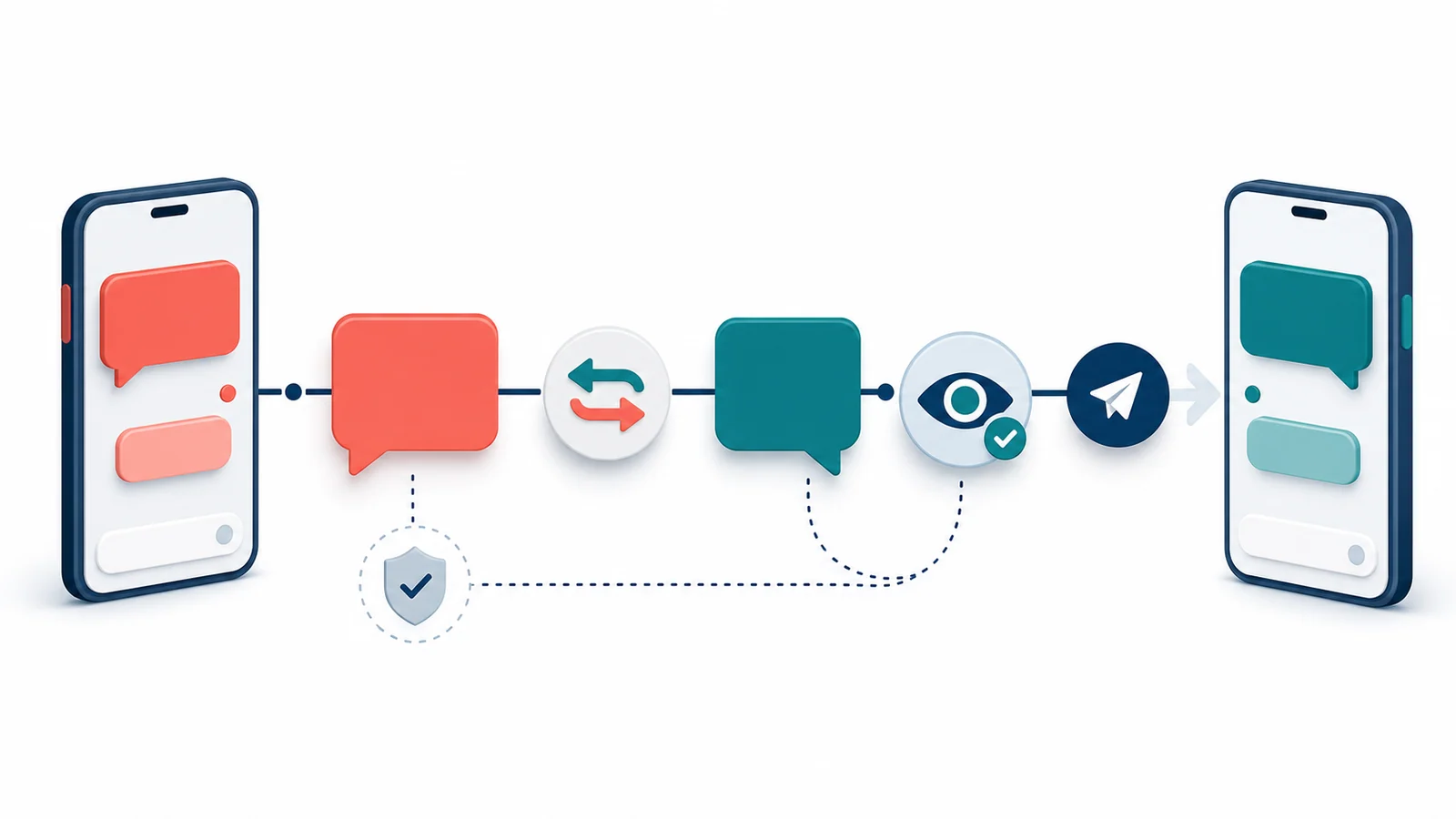
Different chat platforms present unique technical challenges for translation tools. When selecting a HelloGPT alternative, match the tool’s strengths to your primary chat platform. For WhatsApp users, the alternative must handle the specific encryption and interface updates of the WhatsApp Desktop app. Tools that rely on outdated API hooks may break frequently. Hello GPT positions itself as a robust solution for WhatsApp real-time chat translation, so any alternative must demonstrate similar resilience.
For Telegram users, the open nature of the platform allows for deeper integration, but also introduces variability in client versions. An effective alternative should support both the official Telegram Desktop and popular third-party clients if possible. LINE users face a different set of constraints, particularly regarding regional server differences. Ensure the alternative explicitly lists LINE support, as many generic translation tools overlook this platform entirely.
If your workflow involves switching between these platforms, the alternative must support cross-platform consistency. A tool that works well for Telegram but fails on LINE creates friction. Evaluators should test the alternative on their most frequently used platform first, then verify performance on secondary platforms. This scenario-based matching ensures that the selected tool does not just claim broad support but delivers functional reliability where it matters most.
- WhatsApp alternatives must handle desktop app encryption and UI updates.
- Telegram tools should support multiple client versions for consistent performance.
- LINE support is often missing in generic tools; verify explicit compatibility.
- Cross-platform consistency is essential for users switching between apps.
Verifying Official Sources and Installation Paths
Security and integrity are paramount when downloading chat translation software. Always verify the official source before proceeding. For Hello GPT, the official website is hellogpt.cloud. The download page explicitly lists support for Windows 7, Windows 10, and Windows 11. When evaluating alternatives, apply the same rigor: locate the official vendor website and avoid third-party download aggregators. These aggregators often host outdated or modified installers that pose security risks.
Check for clear versioning and release notes on the official site. A reputable alternative will provide transparent information about recent updates and bug fixes. If an alternative’s website lacks detailed installation instructions or version history, treat it as a high-risk option. Additionally, verify if the installer is signed. While official pricing and installer signatures for Hello GPT are not currently verified, established competitors often provide this transparency, which can be a deciding factor for enterprise users.
Do not rely on unofficial forums or social media links for download instructions. These sources may lead to phishing sites or malware. Instead, use the official domain as the single source of truth. If an alternative does not have a clear, professional official presence, it is likely not a viable long-term solution for business-critical chat workflows.
- Always download from the official vendor domain, not third-party aggregators.
- Verify explicit OS support lists, such as Windows 7/10/11 for Hello GPT.
- Look for signed installers and transparent version histories.
- Avoid unofficial download links to prevent security risks.
Identifying Unsuitable Scenarios: When Not to Choose These Tools
Understanding when not to use a chat translation tool is as important as knowing when to use one. Hello GPT and its alternatives are designed for individual or small-team chat workflows. They are not Customer Relationship Management (CRM) systems. If your organization requires advanced ticketing, automated routing, or deep integration with sales pipelines, tools like respond.io may be more appropriate. However, note that respond.io is a broader communication platform, not a direct chat translation overlay, so the comparison depends on whether you need translation or full-scale customer engagement management.
Additionally, platform limitations must be considered. Hello GPT explicitly supports Windows environments. If your primary workflow is on macOS or mobile devices, and the alternative does not offer verified support for these platforms, it is an unsuitable choice. Do not attempt to run Windows-only tools on macOS via emulation unless you are prepared for potential performance issues and lack of official support.
Finally, if your needs are limited to occasional, manual translation of static text, a full-scale chat translation workflow tool may be overkill. In such cases, built-in browser translation or simple dictionary apps are more efficient. Reserve dedicated tools like Hello GPT for users who engage in high-volume, real-time multilingual conversations.
- Not suitable for enterprises needing full CRM or ticketing systems.
- Avoid if your primary OS is macOS or mobile and the tool is Windows-only.
- Overkill for occasional, manual translation needs.
- Distinguish between chat translation overlays and full communication platforms.
Pre-Trial Checklist: Five Essential Checks Before Downloading
Before committing to a HelloGPT alternative, complete this five-point checklist to minimize risk and ensure fit. First, confirm the official website URL. For Hello GPT, this is hellogpt.cloud. For others, ensure the domain matches the vendor’s known identity. Second, verify the operating system compatibility. Check if the tool explicitly supports your version of Windows, such as Windows 10 or 11, as listed on the Hello GPT download page.
Third, test the real-time translation capability. If a demo or trial is available, verify that translations appear instantly within the chat interface rather than in a separate pane. Fourth, assess the multi-account workflow. Log in with two accounts if possible, or review documentation to confirm how the tool handles context switching. Fifth, check for recent updates. A tool that has not been updated in six months may struggle with the latest changes to WhatsApp or Telegram APIs.
This checklist serves as a gatekeeper to prevent wasted time on incompatible software. By systematically verifying these points, you can ensure that the alternative you choose aligns with your technical environment and workflow requirements.
- Confirm official website URL to avoid phishing.
- Verify explicit Windows 7/10/11 support.
- Test real-time interface integration via demo or trial.
- Assess multi-account workflow handling.
- Check for recent software updates and API compatibility.
Next Steps: Securing the Official Source for Hello GPT
After evaluating alternatives, if Hello GPT remains a strong candidate, the next step is to secure the official source. Visit hellogpt.cloud to access the latest version and installation instructions. This site provides the definitive list of supported platforms, including Windows 7, Windows 10, and Windows 11. Relying on the official source ensures you receive the most secure and up-to-date build, free from third-party modifications.
Note that this site does not host the installer directly but refers you to the official download page. This approach maintains a clear chain of custody for the software. Before downloading, review the preparation guide to ensure your system meets all prerequisites. This step is crucial for a smooth installation process, especially on older Windows versions like Windows 7.
Keep the official URL bookmarked for future updates. Software in this category evolves rapidly to keep pace with chat app changes. Regularly checking the official source ensures you remain compatible with the latest features and security patches. Avoid relying on cached or archived versions of the download page, as these may contain outdated information.
- Visit hellogpt.cloud for the official download and version info.
- Review system prerequisites before installation.
- Bookmark the official site for future updates and patches.
- Avoid third-party mirrors to ensure software integrity.
FAQ: Common Questions About HelloGPT Alternatives
Readers often ask whether general translation tools count as HelloGPT alternatives. The answer is no, unless they support real-time chat integration. General tools lack the workflow automation needed for continuous chat management. Another common question is how to verify support for specific apps like WhatsApp or LINE. Look for explicit mentions in the feature list or documentation, and test with a trial if available. Do not assume support based on brand name alone.
Users also inquire about pricing and rankings. This guide avoids unverified pricing claims and subjective rankings. Instead, it focuses on functional criteria and official source verification. Pricing models vary widely and change frequently, making static comparisons unreliable. Finally, macOS users often ask if they can use Hello GPT. Since official macOS availability is not currently verified, macOS users should proceed with caution or seek alternatives with confirmed Mac support.
- General translators are not valid alternatives without chat integration.
- Verify app support through documentation, not assumptions.
- Pricing and rankings are excluded due to lack of verified sources.
- macOS users should check for explicit support before downloading.